Writing invoices using a spreadsheet, word processor or layout program? Seriously?
alfons also takes all the tedious intermediate steps off your hands when it comes to invoicing. Address, date, invoice number, taxes, payment due date – the invoice is almost ready.
Flexibility
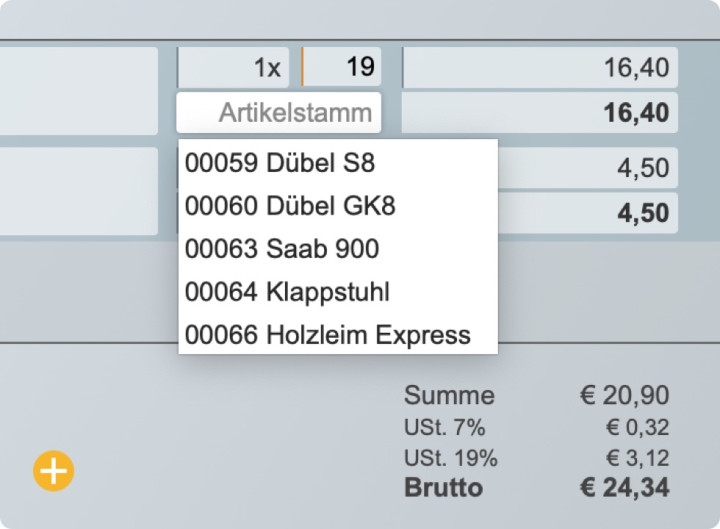
If you work with a fixed range of items or recurring services, you can also import these directly from the Things module. This almost gives you a small inventory management solution. Of course, you can also freely define invoice items.
Semi-automatic
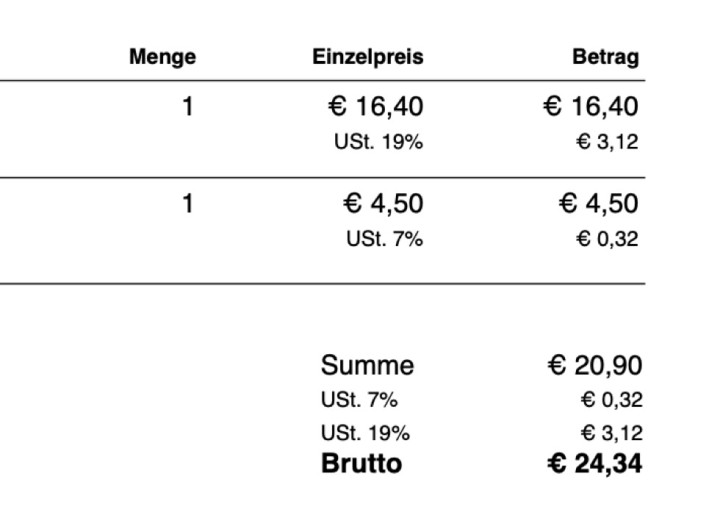
Needless to say, alfons takes care of all the calculations for you. Quantities, totals or different tax rates are all already in their proper places.
Click, click and print.
Import your custom letterhead in the settings and you're ready to go. (You can also use different templates for invoices and letters.)
Status symbols
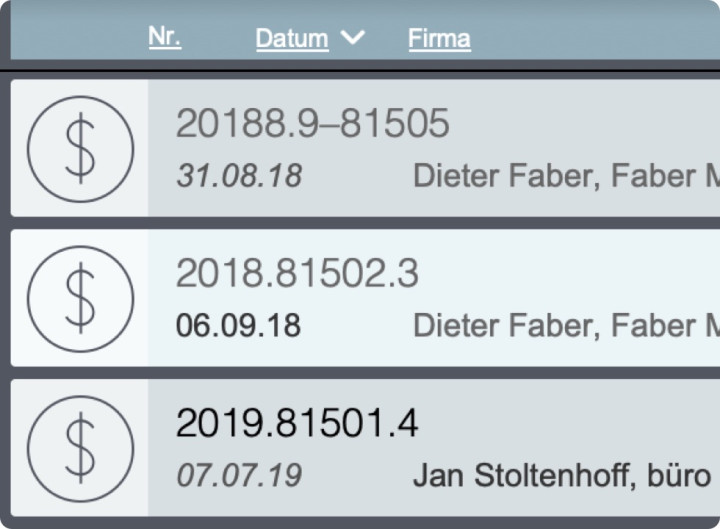
And once all the invoices have been written? Right from the list of all invoices, you can keep an eye on whether an invoice has been marked as booked or is perhaps already overdue.